.png)
Vivi Kajabi Links Page Template
This template guide is in reference to this product: https://shop.launchinstyle.com/collections/all-templates/products/vivi-links-page-template
Welcome to the Vivi Kajabi Links Page Template Guide.
Below are links to everything you'll need to customize these templates and make them your own! Reach out if you have any questions!
Step 1: Install Your Templates
Follow the instructions in this guide for installing your new Kajabi templates.
Step 2: Customize Your Templates
Canva Template Links
Instructions: Click the link and click "Use template for new design" to add a copy of the template into your Canva account.
Vivi Kajabi Links Page Template - Canva Image Templates
Extra Customizations
For most sections, we've included a Custom CSS block that is labeled "Section Custom Code *DO NOT DELETE*" that you can find by clicking into the section.
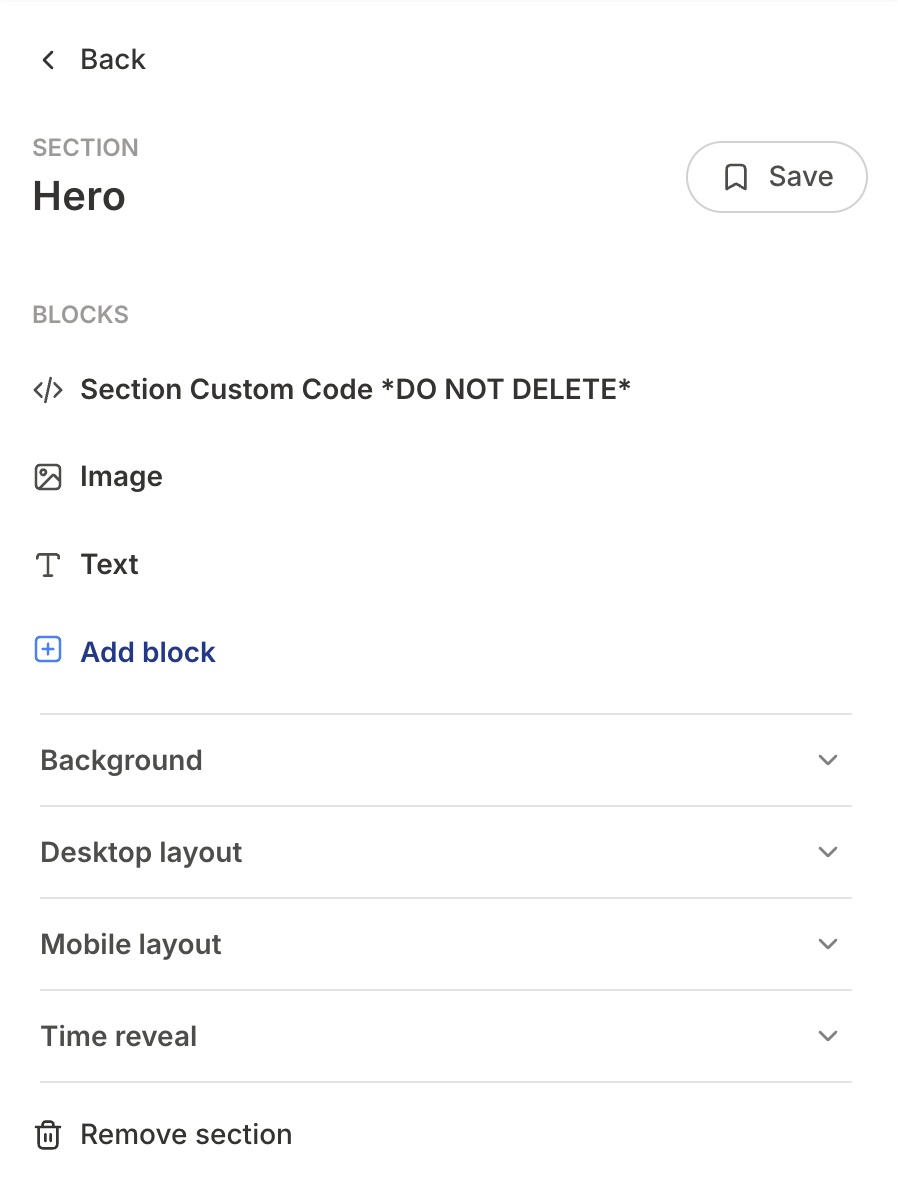
This should be the first place you look to customize something within that section, if the default Kajabi settings don't do the trick.
However, if you can't find the code, we've included more "universal" template code within the main CSS Code editor that you can find by going to Settings > Custom Code within the page you're trying to customize.
Below, I've shared a few of the most common things you'll want to change within your Vivi template.
▶︎ Change color of top/bottom rounded section border
▶︎ Remove top/bottom rounded section border
If you simply do not want to use the top/bottom rounded section borders, this is how you would remove them: